


- FS25
- 18
- 11.2026
- 08:06
FS25 Wheat from LS15
|
 (0.00/5 - 0 votes) - rated |
Gallery


Description
FS25 Wheat from LS15
Package contents:
Wheat textures in DDS format
I3D and I3D.SHAPES models
Configuration file: wheat.xml
Distance textures
Various wheat growth stages
Installation:
Unpack the downloaded ZIP file.
Open the “foliage” folder.
Copy the wheat files into the corresponding “foliage” folder of your FS25 map.
Adjust the configuration and materials in GIANTS Editor 10.
Verify that the textures work correctly in-game.
Credits
Tyee, Giants
Uploaded by Tyee
Report abuse or broken download link
Similar FS25 Maps, objects, textures mods
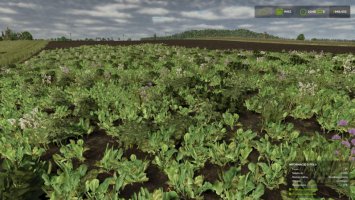
FS25 oilseedRadish
344 (5.00/5 - 1 votes) - rated
Improved Corn Texture
264 (0.00/5 - 0 votes) - rated
(0.00/5 - 0 votes) - rated 
Prefab Terrain Substrate Textures (Prefab)
115 (0.00/5 - 0 votes) - rated
(0.00/5 - 0 votes) - rated 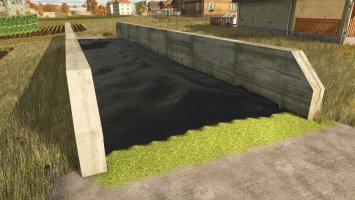
Silage Sheet Texture
151 (0.00/5 - 0 votes) - rated
(0.00/5 - 0 votes) - rated 
Textures
233 (0.00/5 - 0 votes) - rated
(0.00/5 - 0 votes) - rated 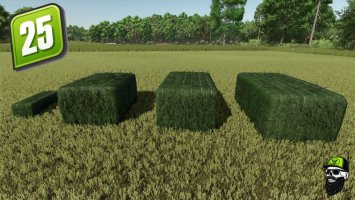
Grass/Hay Bale Textures
135 (0.00/5 - 0 votes) - rated
(0.00/5 - 0 votes) - rated 
All-in-One Easy-to-Install Texture Pack V7.1
436 (0.00/5 - 0 votes) - rated
(0.00/5 - 0 votes) - rated 
Maize Overhaul
542 (0.00/5 - 0 votes) - rated
(0.00/5 - 0 votes) - rated 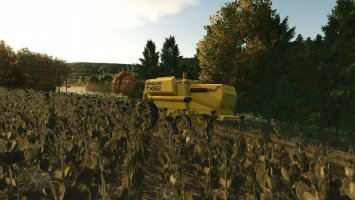
Sunflower Texture
122 (0.00/5 - 0 votes) - rated
(0.00/5 - 0 votes) - rated 





Comments to "Wheat from LS15"