


- FS22
- 23
- 08.2026
- 19:30
FS22 Lighting by Jarek
|
/rating_off.png "0 votes, average: 0.00 out of 5") (0.00/5 - 0 votes) - rated (0.00/5 - 0 votes) - rated
|
Gallery


Description
FS22 Lighting by Jarek
Hello, I’m releasing Jarek’s lighting, and I warmly greet him (I have permission to release it).
REQUIRED MODS: additional game settings, colorgraidingeditor
INSTRUCTIONS: Copy all folders from the presets folder to: Documents My games Farming Simulator 22 Modsettings Colorgraidingeditor presets
2. Copy all folders from the lighting folder to: Documents My games Farming Simulator 22 Modsettings additionalgamesetting lighting
3. IMPORTANT: Copy the 0_0_0_C1 file to: where you have farming installed, data, store, ui, envMaps, shop, and replace the file. 4. Go to farming and load the save. After loading the save, press Esc on the left side, look for three sliders, and then look for the “Gameplay” category. At the very beginning of this category, we have custom lighting and custom color grading. Feel free to click and see which lighting suits your taste. Happy gaming (:
Credits
Similar FS22 Useful things mods
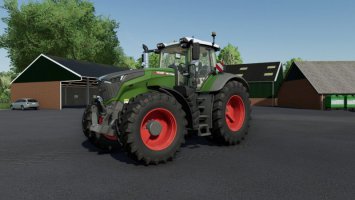
Realistic Fendt 1000 Vario Sound (Prefab)
(0.00/5 - 0 votes) - rated 
SAVE KRAJÓW& ŁAŹNIKI | MATIUSZO | +modpack
/rating_on.png "1 vote, average: 5.00 out of 5") (5.00/5 - 1 votes) - rated
(5.00/5 - 1 votes) - rated 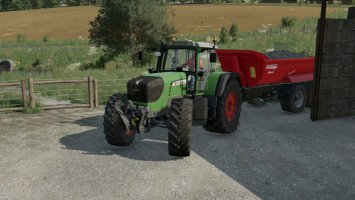
Fendt MAN Sound (Prefab)
(0.00/5 - 0 votes) - rated 
MEGA SAVE&MODPACK Połowa
(5.00/5 - 2 votes) - rated 
MEGA SAVE&MODPACK Brzozówka
(0.00/5 - 0 votes) - rated 
MEGA SAVE&MODPACK Kolonia
(5.00/5 - 1 votes) - rated 
Bucket And Sponge
(0.00/5 - 0 votes) - rated 
Savegame Zdziechów
(0.00/5 - 0 votes) - rated 
Farming Simulator 22 Update 1.2.0.2 (patch 1.2.0.2)
(0.00/5 - 0 votes) - rated 
/rating_half.png "17 votes, average: 4.29 out of 5")




Ale opojek jest hihihihi pozrawia jarosław czopek -kakałko
pozdrawiam kakałka elo elo